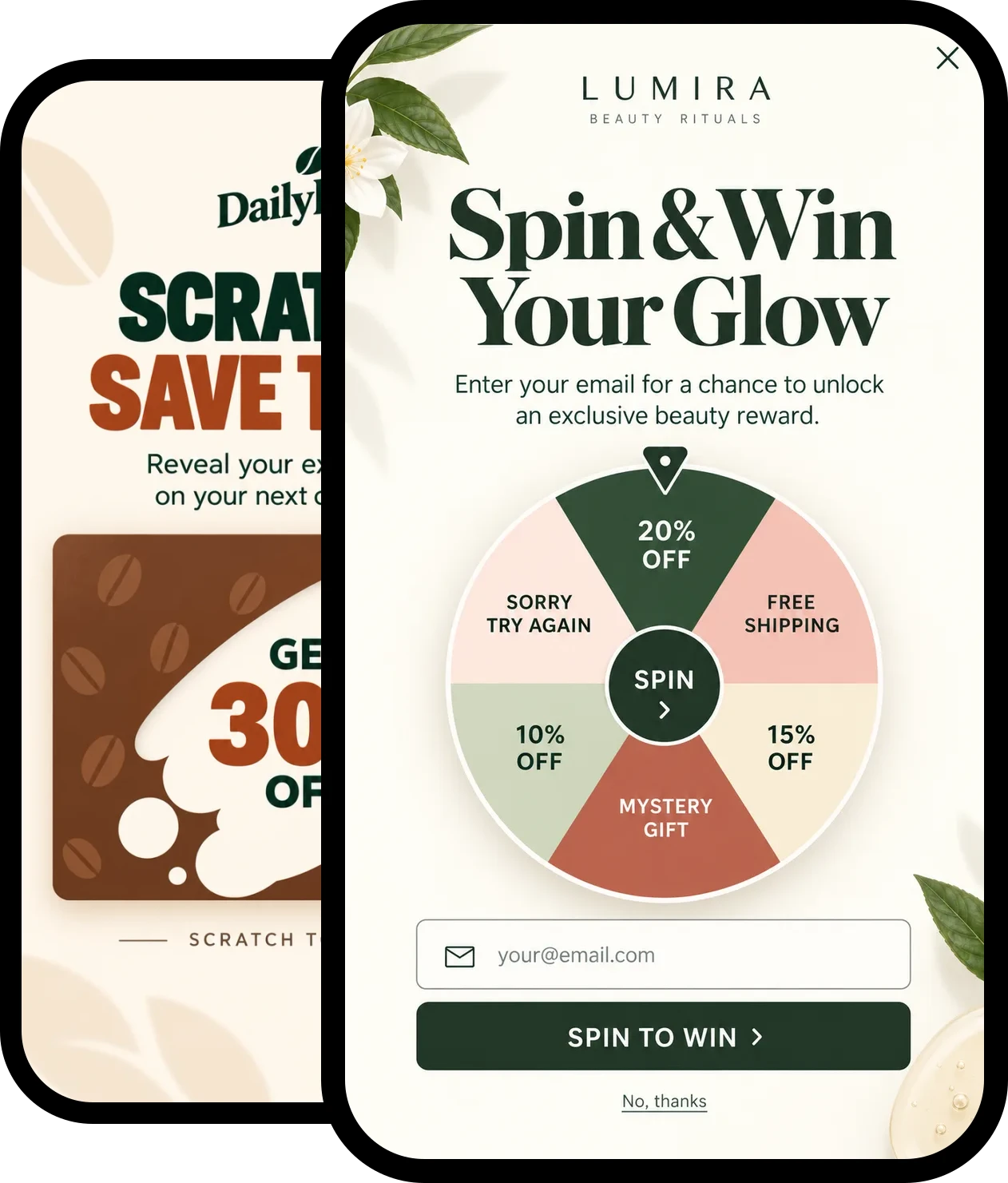
Identify up to 60% of your website traffic with person-level ID
Most tools only tell you which company visited. Triggerbee identifies the person: who they are, what they read and when they come back, synced to your CRM so sales knows who to call next.


Trusted by leading B2B companies in the Nordics













How Triggerbee is different
Most similar software identifies visitors by company. That gives you nothing but a loose end. With Triggerbee, you get person-level ID.
Most other tools
- Only company identification
- No person-level ID
- Visitors on home Wi-Fi, VPNs and mobile go unidentified
- Generic CXO contacts, scraped from the web
- You’re left finding the email on LinkedIn
Triggerbee
- Person-level ID, matched to your CRM
- Identified from email clicks, forms and logins
- Up to 60% of your traffic identified
- One profile across sessions and devices
- Every page they read and what interests them
- Synced to your CRM
- 100% first-party data, hosted in the EU
Turn anonymous traffic into named prospects
Triggerbee identifies the people on your site, keeps a detailed profile for each one, and syncs what they do to your CRM. Every sales conversation starts with context.
See which companies visit
See which companies are browsing your site, the pages they visit and how often they come back.
Identify the person, not just the visit
Visitors are identified when they click a tracked email link, fill in a form or log in, and get a profile with everything they do.
Capture intent signals
Interest profiles and content dimensions show which topics, services and pages each visitor engages with.
Smart lead capture forms
Forms and meeting prompts built without code, shown by trigger, CRM segment or traffic source.
Enrich your CRM automatically
New leads go straight to your CRM. After every visit, behavior and interests sync to the same contact.
Prioritize your pipeline
Combine CRM lists and tags with visits, goals and interests into audiences, and see how many people each one reaches.
Know who is on your site, and what they are researching
Identify visitors from email clicks, forms and logins, and keep everything they do in one profile across sessions and devices. Sales follows up with the full picture.
See website visitor identificationOne profile for every visitor
Visits, devices, properties, interests and activity, in one place.
See what each lead is researching
Content dimensions show which topics, services and pages a lead engages with most.
Identified from your own channels
Email clicks, form submissions and logins tell you who is behind the visit.
Goals for what matters
Track form submissions, logins and clicks as goals on each profile.
Alerts in real time
Send an alert to your CRM or inbox when a high-intent action happens, so sales can follow up while interest is highest.
Generate more leads and book more meetings
Build forms and calls-to-action without code, and show the right ask at the right moment: on exit intent, on scroll or after a number of pageviews.
See experiencesForms and meeting prompts
Ask for a meeting, offer gated content or capture a lead, in a form that looks like your site.
Shown at the right moment
Show a form on exit intent, on scroll, after a number of pageviews or after a set time.
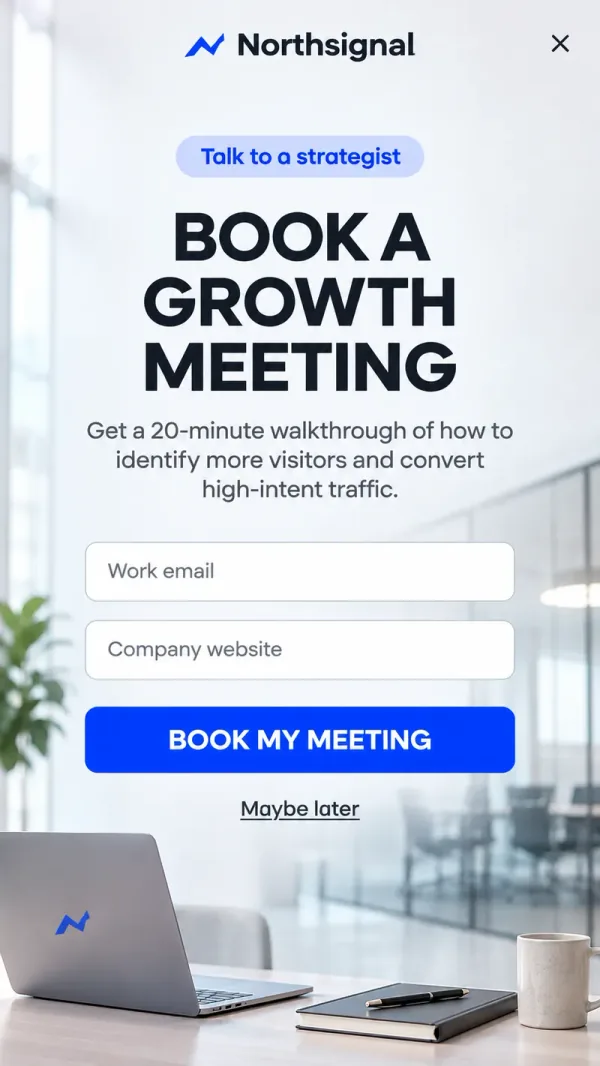
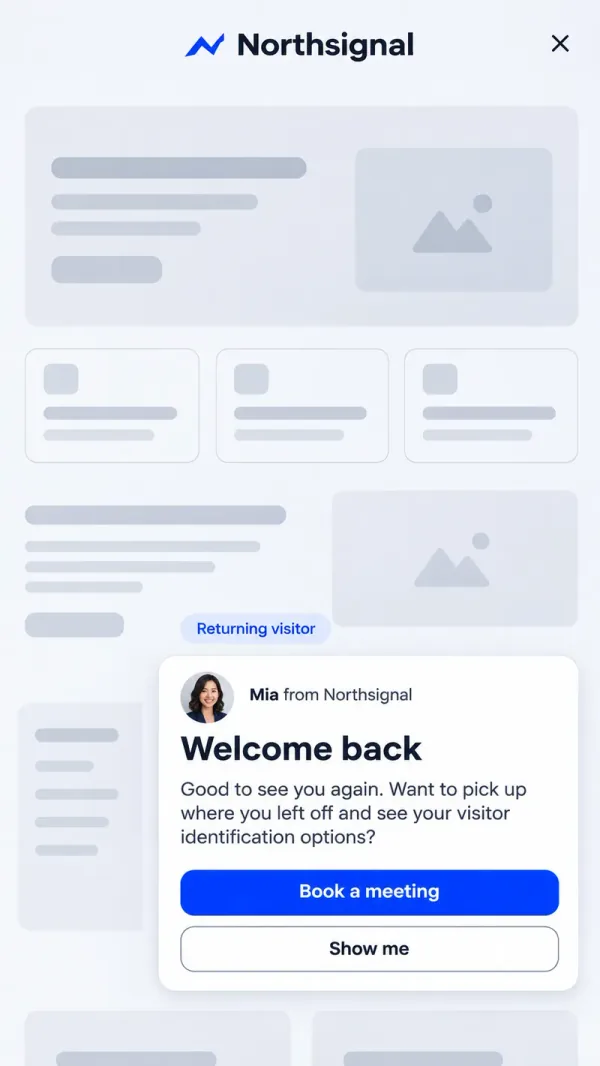

Drag-and-drop editor
Build forms and calls-to-action without writing code.
100+ templates
Start from a ready-made template, then make it yours.
In your brand
Save your brand style once, and every form looks like your site.
Put your CRM to work on your website
Use the lists, tags and segments from your CRM as audiences on your site. Triggerbee matches visitors to the same contacts and sends what they do back after every visit.
See integrationsCRM segments as audiences
Show tailored forms and meeting prompts to the lists and tags your sales team already uses.
Synced back after every visit
New leads, form answers, behavior and interest profiles go to the same contact in your CRM.
 Triggerbee audience
See the reach first
Know how many people an audience reaches before you publish.
Scheduling
Set start and end dates, weekdays and hours, so a campaign only runs when it should.
A/B testing
Put two versions in front of the same audience and let your goal decide which one stays.
Choose the B2B plan that fits your needs
Book a demo and we’ll help you pick the plan that fits your team.
Bronze
Find out who visits your website
€325per month
Best suited to teams that want to identify their website visitors and follow up on them.
Book a demoKey features in Bronze
- Leads list of website visitors
- Native integrations
- Industry targeting
Silver
Twice the visitor history
€450per month
Best suited to longer sales cycles, with 180 days of visitor data.
Book a demoKey features in Silver
Everything in Bronze, with more room
- Enterprise
Gold
A full year of visitor history
€595per month
Best suited to larger teams that want a year of visitor data and more responses.
Book a demoKey features in Gold
Everything in Silver, with more room
B2B lead generation FAQ
Can Triggerbee identify individual people, not just companies?
Yes. Triggerbee identifies people when they click a tracked email link, submit a Triggerbee form or log in, and matches them to the same contact in your CRM. Each person gets a profile with their visits, devices, properties, interests and activity, so sales sees the person behind the account.
See website visitor identificationDo I need a developer to set up B2B visitor tracking?
No. You add one script to your site, once. Forms, targeting, triggers, scheduling and CRM sync are all set up in Triggerbee without code. Hooking identification into your own login page needs a small code snippet.
Which CRMs and tools does Triggerbee integrate with?
Triggerbee integrates with CRM and sales tools such as HubSpot, Salesforce, Pipedrive and SuperOffice, and connects to more than 1,000 other tools through Zapier. New leads go to your CRM, and behavior and interests sync to the same contact after every visit.
See all integrationsHow do I use intent data to prioritize leads?
Triggerbee builds an interest profile for each visitor from the content they engage with: the categories and topics they view, the pages they visit and the goals they complete. Send real-time alerts to your CRM or inbox when a high-intent action happens, so sales can follow up while interest is highest.
Can I target forms and campaigns to specific companies or job roles?
Yes. Combine CRM lists and tags with traffic source, location and onsite behavior to show tailored forms, gated content or meeting prompts to the right visitors, including those who match your ideal customer profile. You see how many people an audience reaches before you publish.
See audiences